
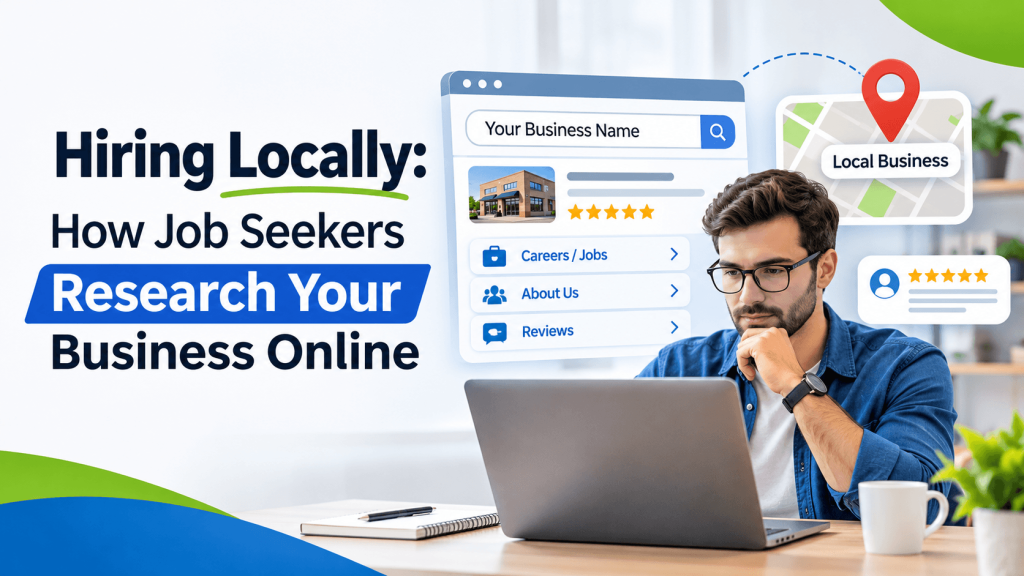
A small manufacturer posts a job opening and receives few applications. Candidates who do apply have questions the company never answered online: What is the work environment like? Where exactly is the facility? Is there parking or public transit nearby? Job seekers research employers just as customers research businesses.
Your online presence affects hiring as much as it affects sales.
Create a Simple Careers Page
A careers page on your website should describe what it is like to work for you, list current openings with clear responsibilities and requirements, share pay ranges where possible, and explain how to apply. Some states and cities require pay ranges in job postings, so check local rules.
Photos of your actual team and workplace help candidates picture themselves there.
Include practical details candidates care about, such as typical schedules, whether shifts rotate, opportunities for training or advancement, and benefits. For hourly roles, information about parking, transit access, and break areas can matter more than any company mission statement. Answering these questions upfront brings in applicants who are more likely to accept an offer.
Make Sure Candidates Can Find and Trust You
Candidates often look up your Google Business Profile and directory listings to check your location, hours, and reviews. Accurate information helps them plan commutes and confirms that you are a legitimate employer. Reviews written by customers also shape how candidates see your company culture.
Recruitment agencies and staffing firms can extend your reach. Businesses can find hiring partners in the Employment and Recruitment category on Weebo, while staffing firms themselves benefit from clear listings that explain the industries and roles they cover.
Respond Like a Good Employer
Acknowledge applications promptly, even with an automated message. Keep candidates informed about next steps. Employee review sites are public, and how you treat applicants and staff can show up there. Respond professionally to employer reviews, as you would to customer reviews.
Structured job posting data on your careers page can help eligible listings appear in Google’s job search features.
Conclusion
Job seekers evaluate employers the same way customers evaluate businesses: online, carefully, and quickly. Build a clear careers page, keep your listings accurate, and treat applicants with respect. Consistent information across your website, Google profile, and directories such as Weebo makes your business easier to find and easier to trust as an employer.
Frequently Asked Questions
Should small businesses list pay ranges in job postings?
Many candidates prefer postings with pay ranges, and some states and cities legally require them. Including a range can attract better-matched applicants and save time on both sides. Check the laws in your location before posting any job.
How can my job openings appear in Google search?
Google’s job search features use job postings from your website marked up with JobPosting structured data, as well as listings from job boards. Following Google’s guidelines for job posting markup can help eligible listings appear, though placement is not guaranteed.
Do customer reviews affect hiring?
They can. Candidates often read customer reviews to learn how a business operates and treats people. Strong reviews and professional responses suggest a well-run workplace. Employee review platforms also influence perceptions, so pay attention to both.
What should I include on a careers page?
Describe your workplace culture, list current openings with responsibilities and requirements, include pay and benefits information where possible, and explain the application process. Add real team photos and a contact for questions. Keep the page updated as openings change.